$3,199.00 - $3,799.00
Live Chat Support
Best Salon Equipment Brands
Fast Shipping
Need help? Chat, call, or email us: +1 888-454-2742 | hello@ariachairs.com


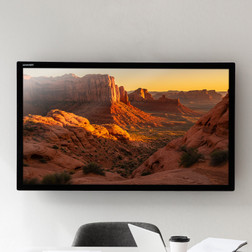
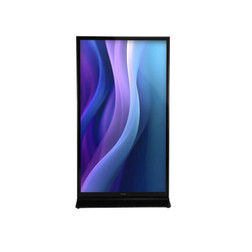
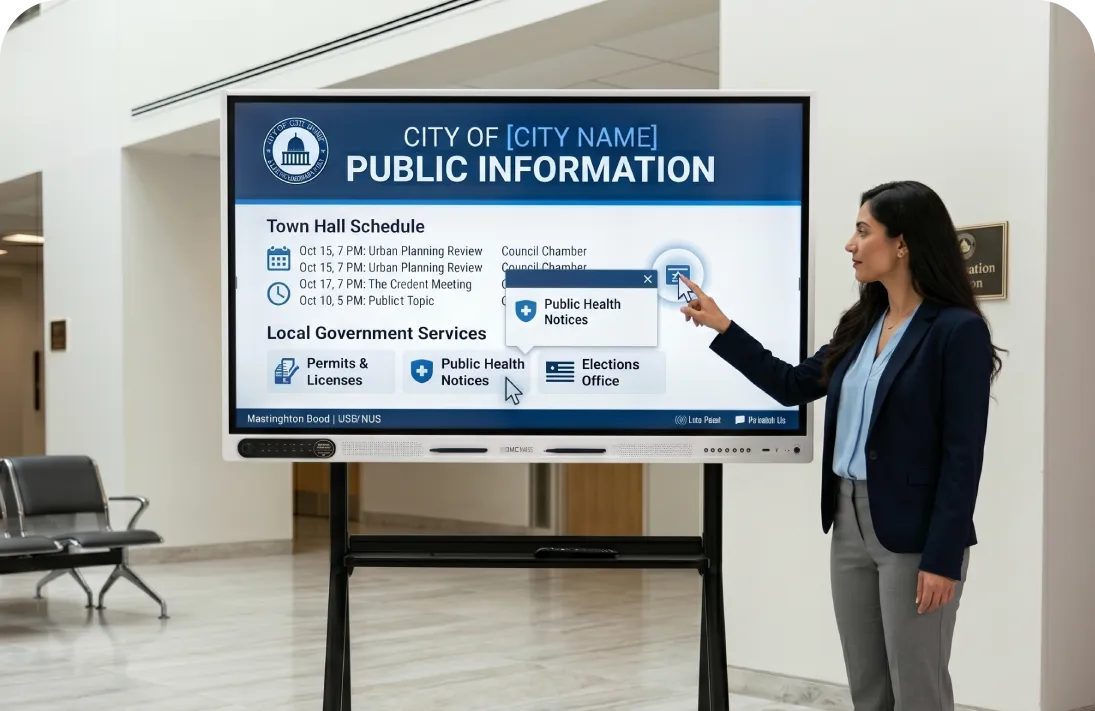
Make presentations more engaging with a 4K interactive smart board that lets you write, draw, share content, and collaborate on a large touchscreen. Use it as a digital whiteboard for a lesson, mark up a diagram during training, or project a presentation from your laptop for everyone to see.
Choose a 65", 75", or 86" touchscreen display with built-in Android. If you also need to run Windows programs directly on the board, select the configuration with a Windows OPS computer. The mobile stand is available separately.
From a hands-on lesson to a client consultation, this interactive touchscreen gives you room to show an idea, work through it together, and make the details easy to see.
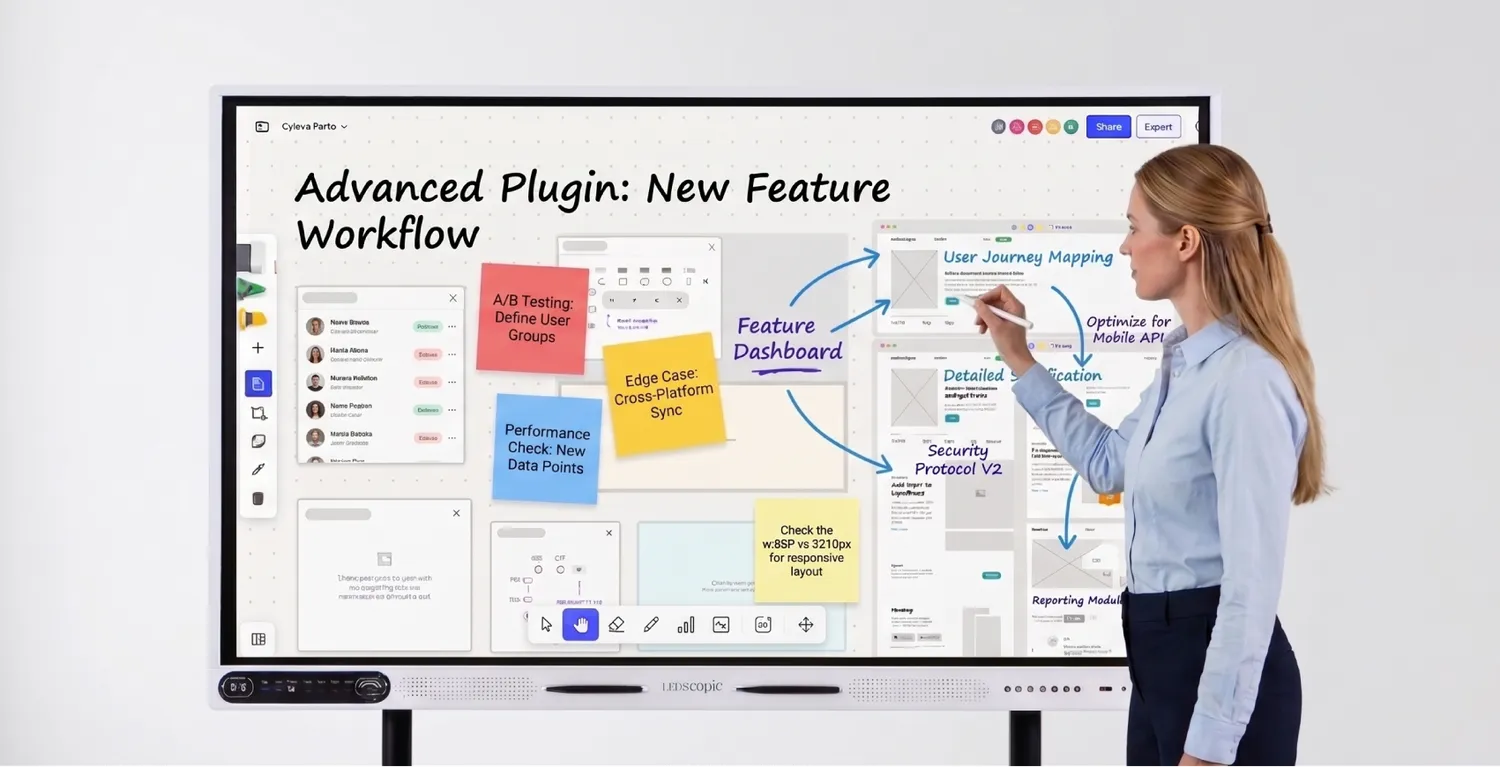 |
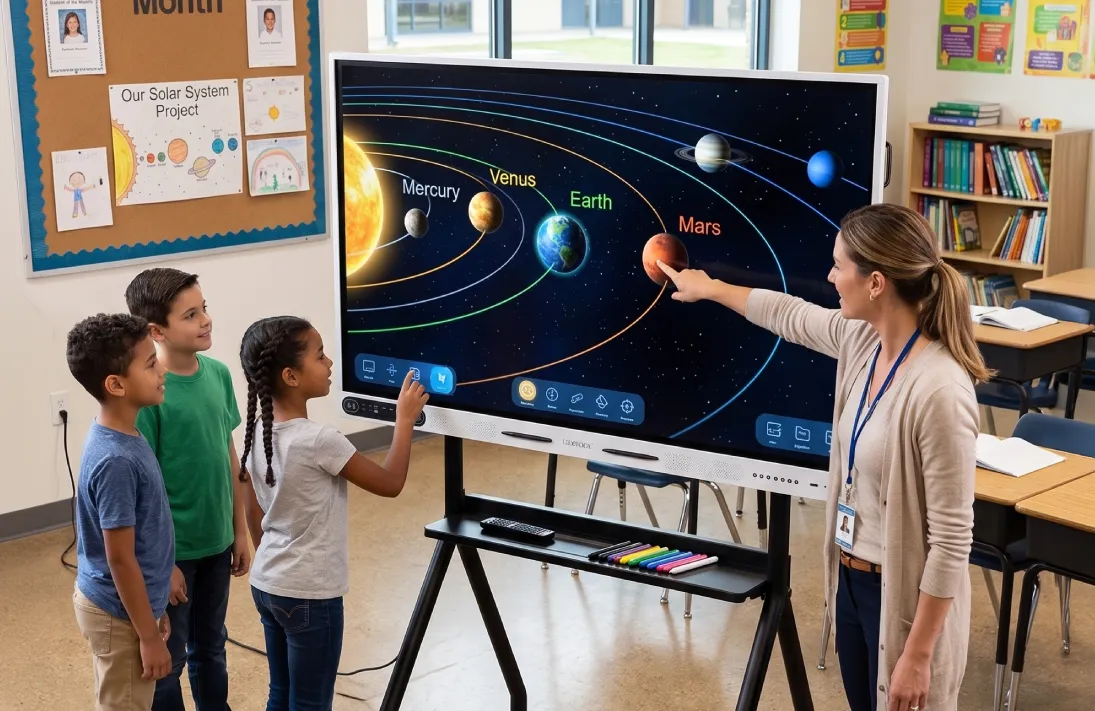
Turn the Screen Into a WhiteboardWrite with a finger or stylus to explain a technique, sketch a layout, or work through a lesson. A trainer can draw directly on a diagram while the whole group follows along—no dry-erase markers or separate whiteboard required. |
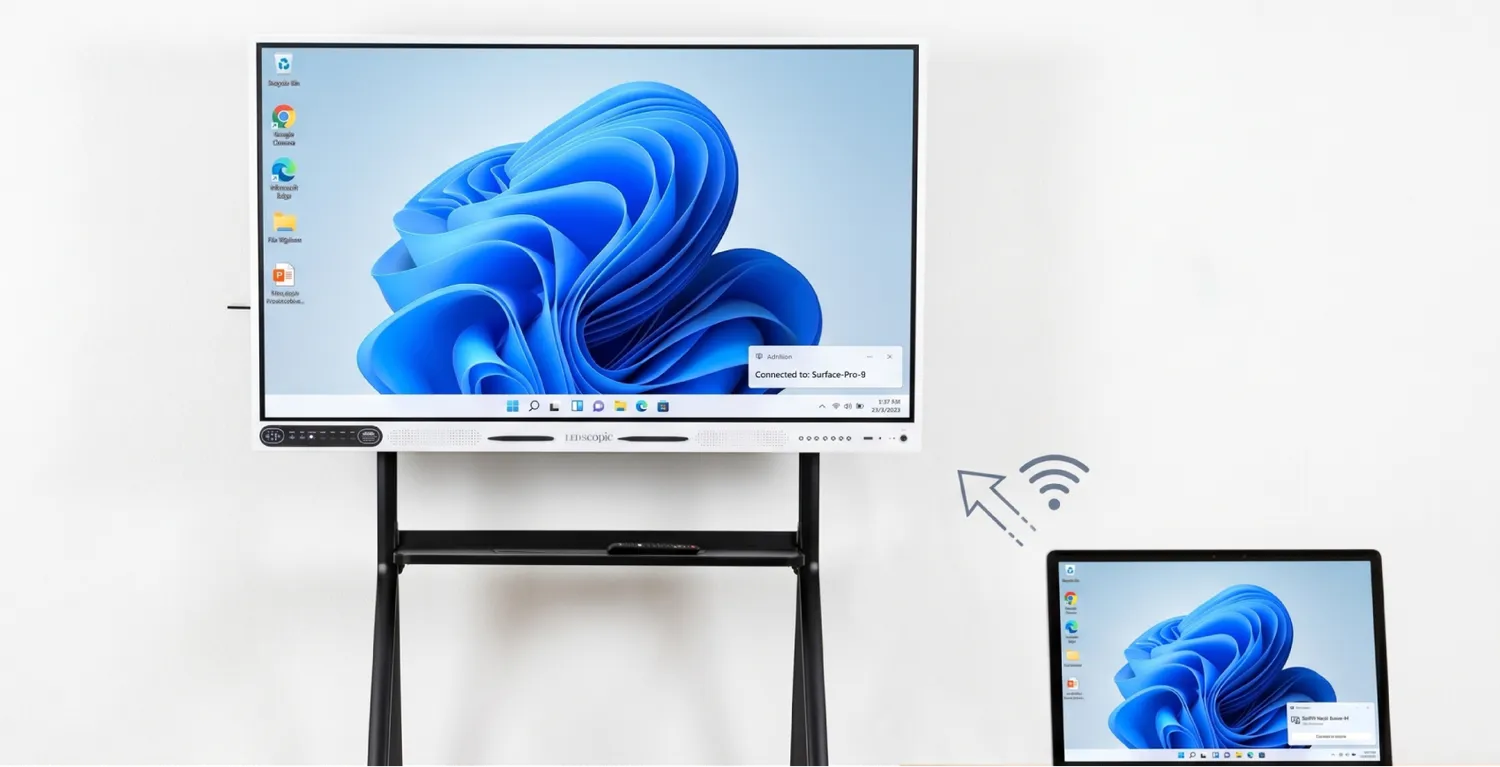 |
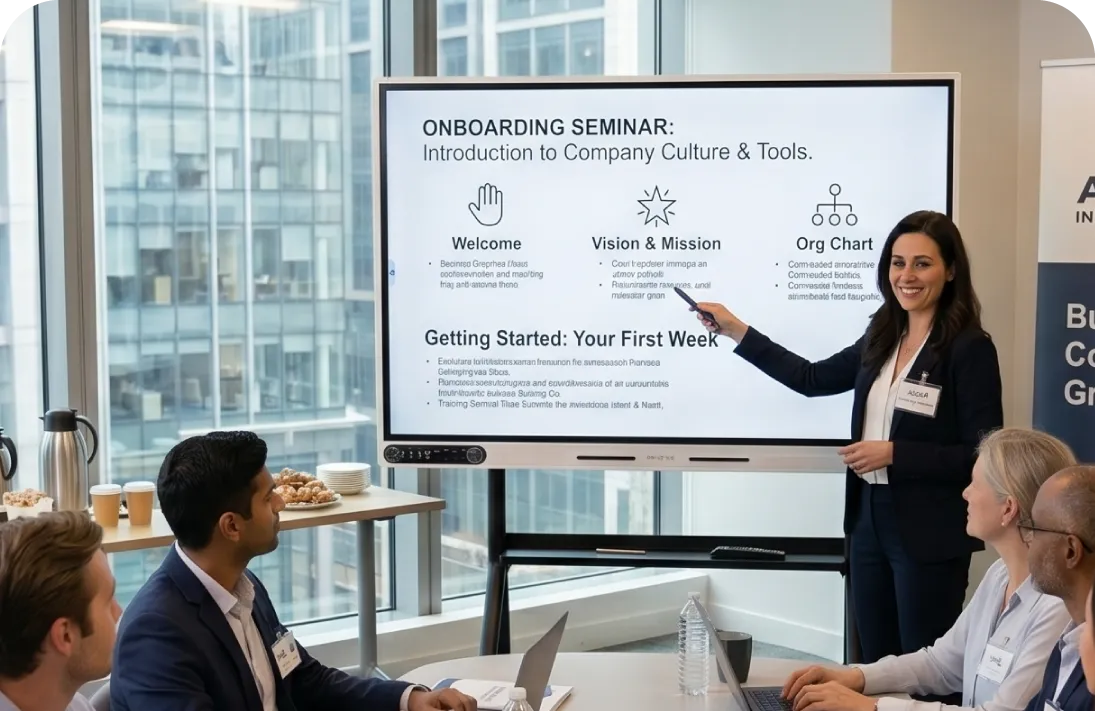
Put Your Device on the Big ScreenShare a presentation, product photo, website, or video from a compatible laptop, tablet, or phone. It’s an easy way to move from a small screen to a group discussion—whether you’re reviewing treatment imagery or walking a class through a demonstration. |
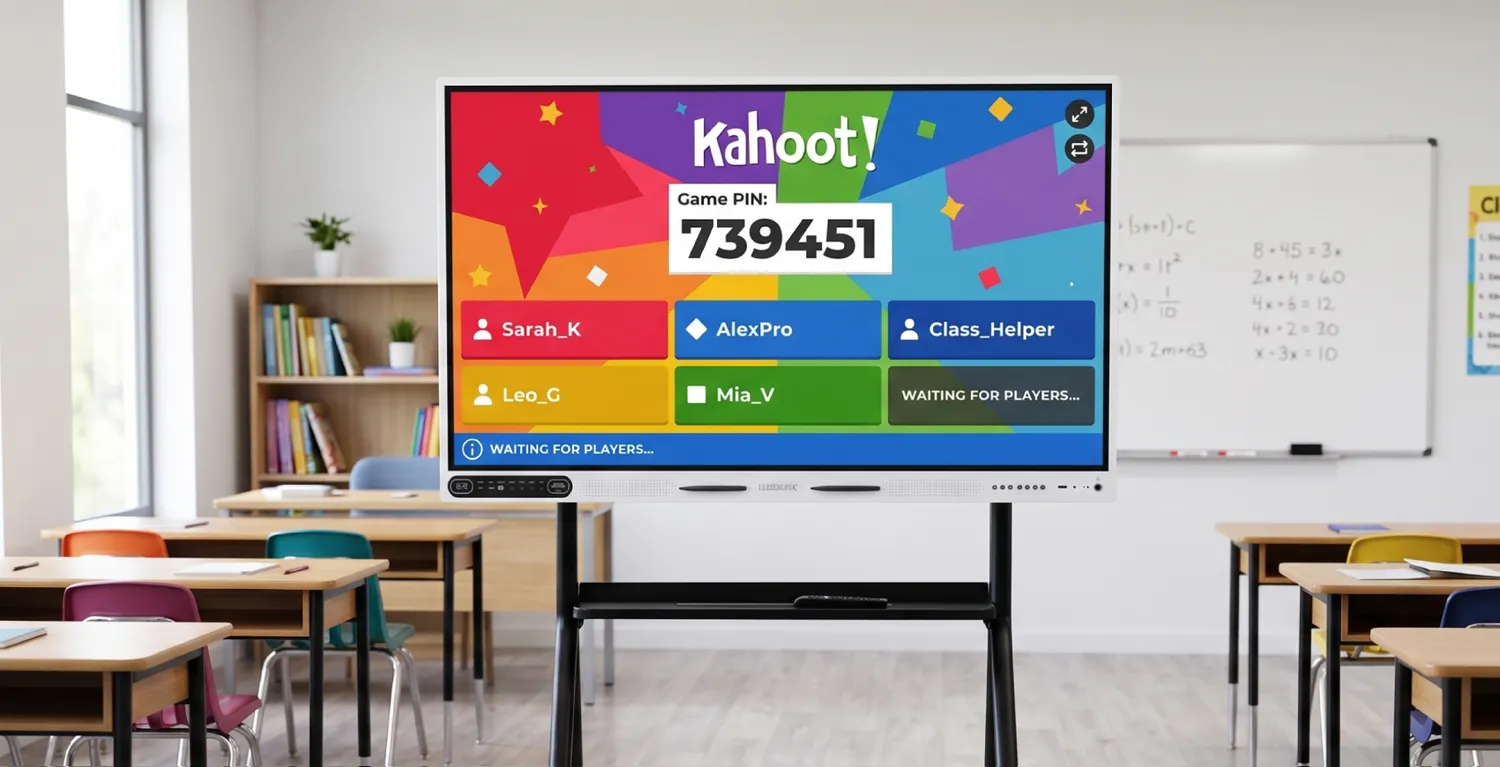 |
Bring Your Teaching Tools to the BoardOpen compatible apps on the built-in Android system for lessons, activities, and presentations. If your work depends on a Windows program, choose the configuration with the Windows OPS computer and run that software directly on the display. |
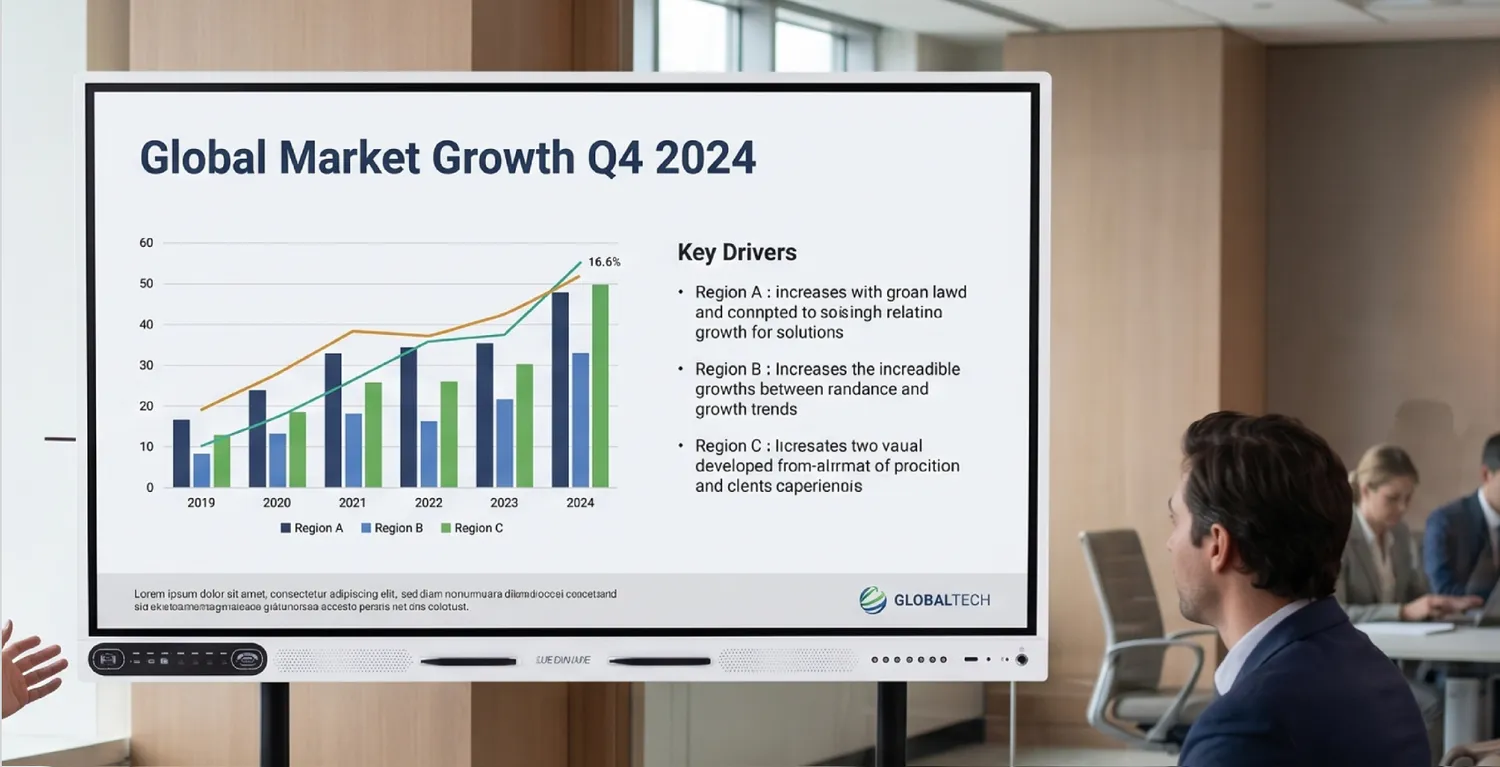 |
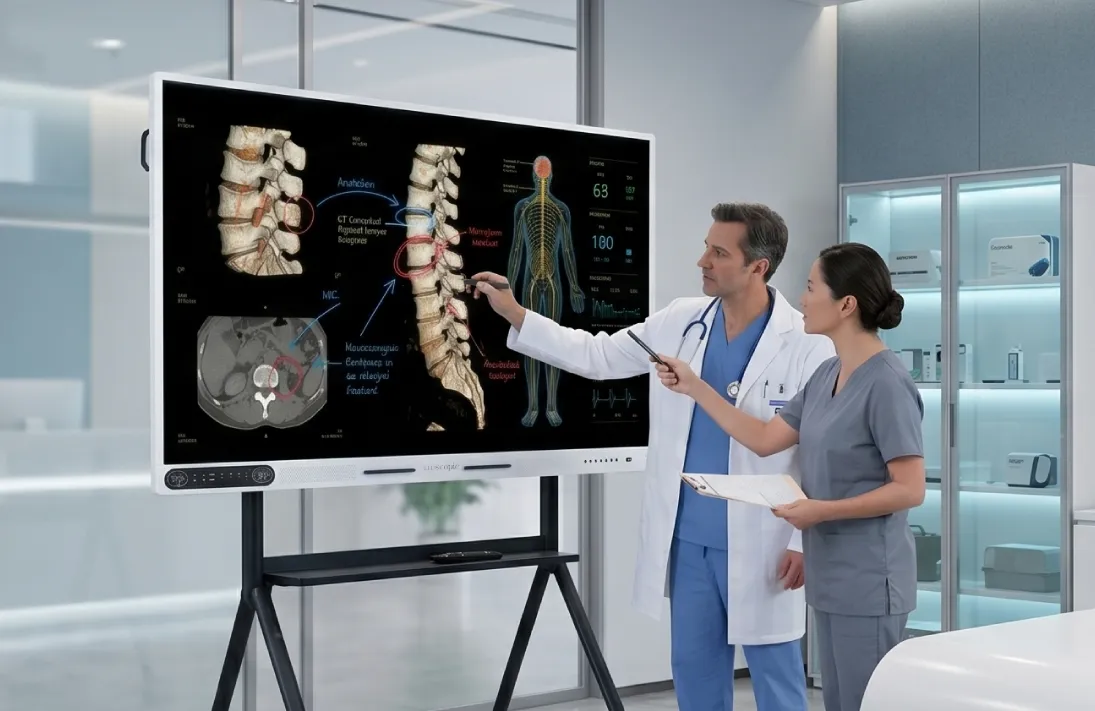
Show the Details in 4KGive the room a clear view of photos, diagrams, text, and video on a 4K UHD display. Show a close-up of a salon technique, review a treatment illustration, or present a design without gathering everyone around a laptop. |
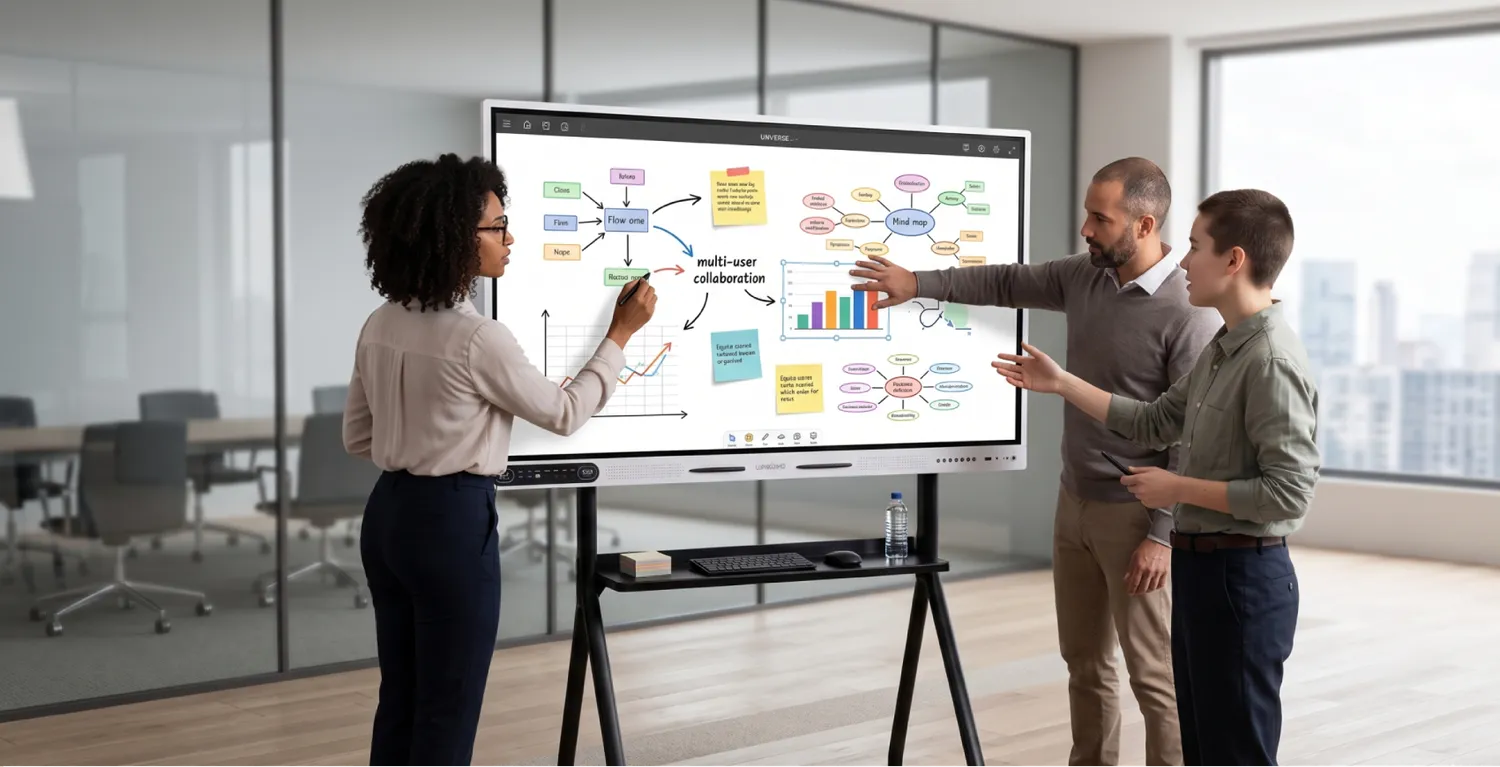 |
Invite Everyone to Take PartWith up to 20 simultaneous touchpoints, the board supports group activities rather than a single person controlling the presentation. Students can work through a lesson together, or colleagues can build and rearrange ideas during a planning session. |
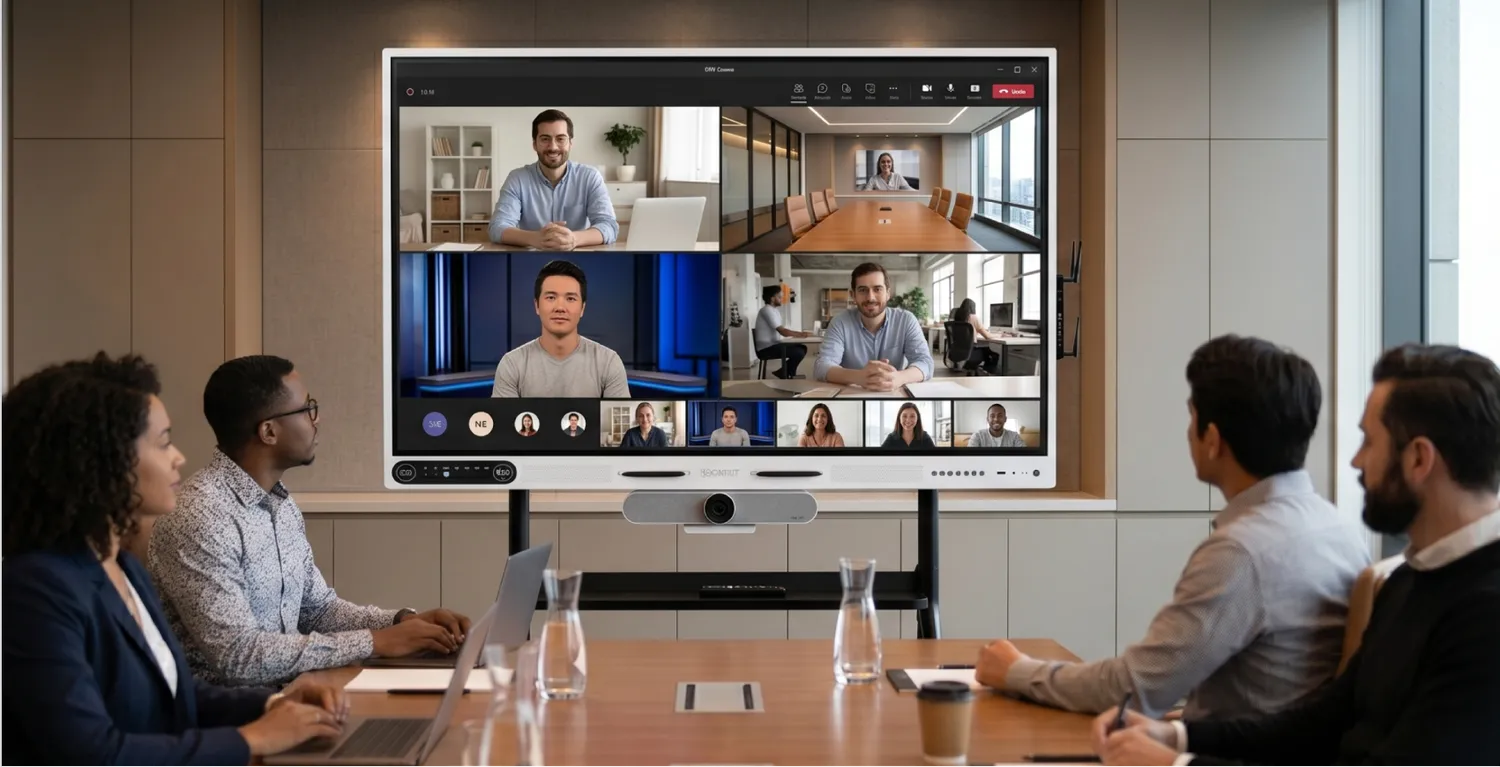 |
Make Room for Remote ParticipantsUse the large screen, built-in array microphone, and two 15W speakers for compatible video meeting applications. Bring a remote instructor into a classroom or include another office in a training session. Add a camera if participants need to see the room. |
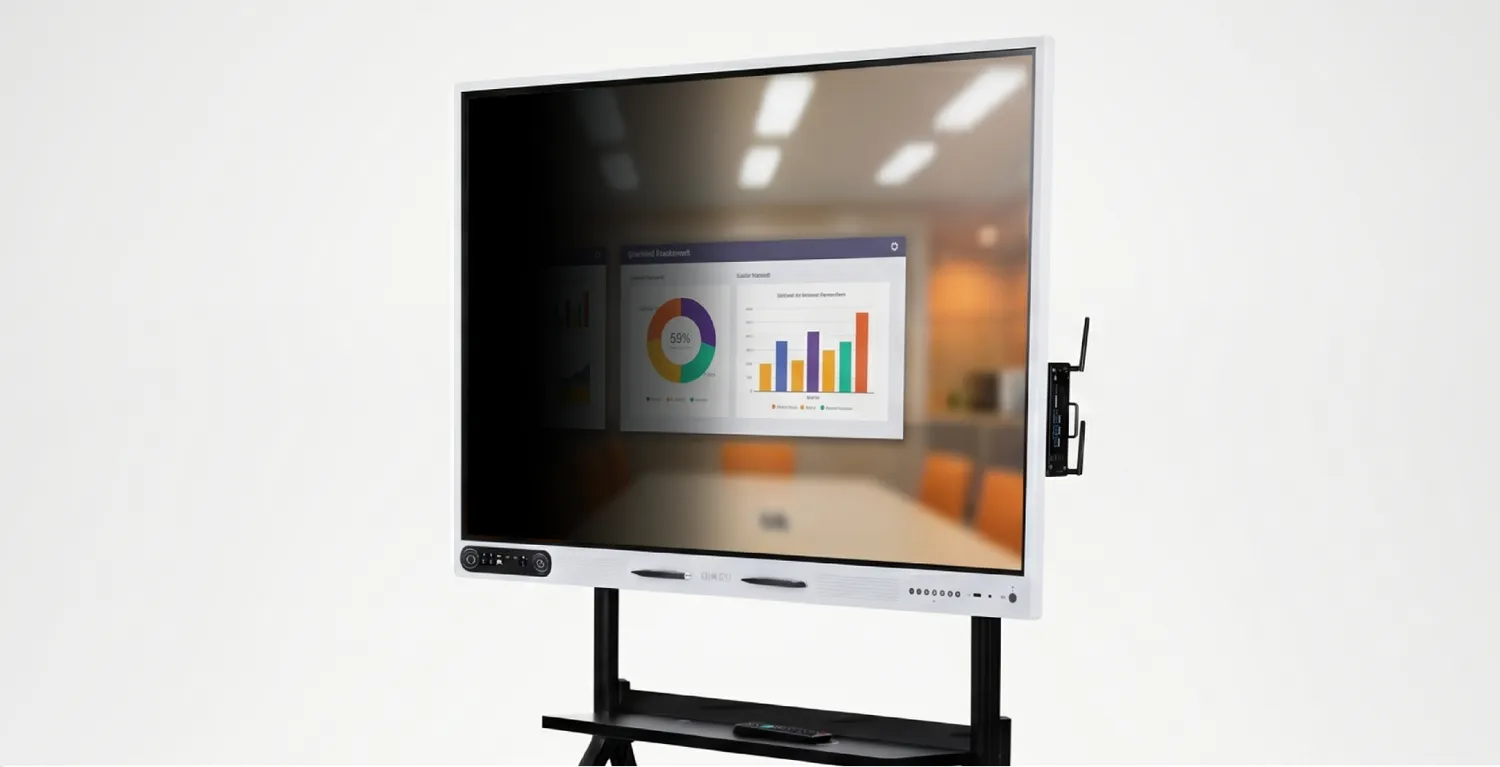 |
Keep the Screen Easy to SeeThe matte anti-glare glass helps limit distracting reflections, while 400-nit brightness and a 178° viewing angle help people follow the presentation from different seats. It’s useful in classrooms, consultation rooms, and meeting spaces where lighting varies. |
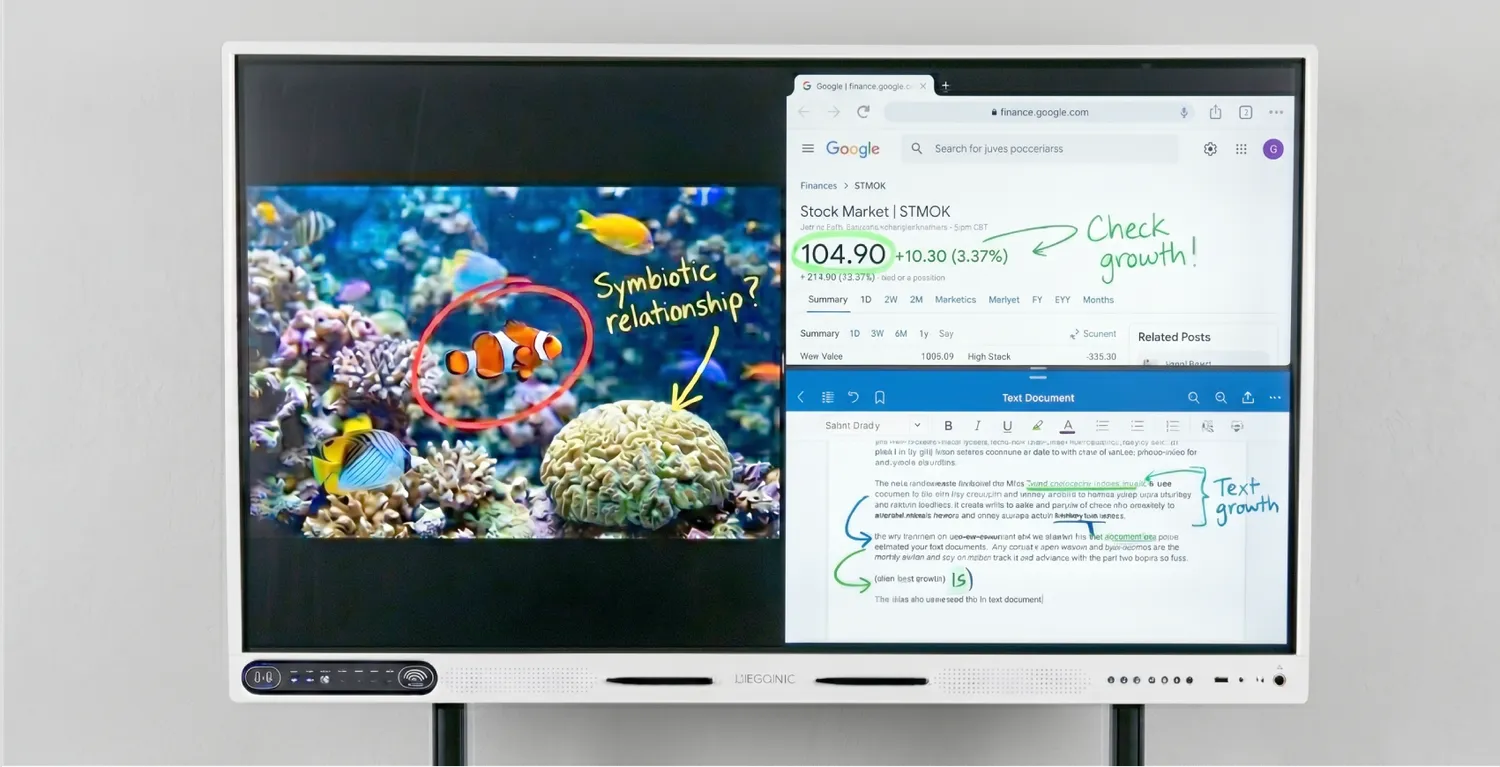 |
Point to Exactly What MattersDraw or highlight over on-screen content as you explain it. Circle a detail in a procedure diagram, mark up a floor plan, or call attention to a figure in a presentation so your audience can see the point you’re making. |
Android configuration: The smart board has built-in Android 11 for digital whiteboarding, presentations, compatible apps, and screen sharing. You can also connect an external computer when needed. This configuration does not include the Windows OPS computer.
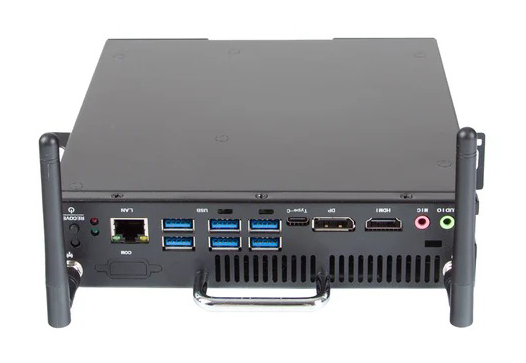
Windows OPS configuration: Includes the Android smart board and a Windows OPS computer that slots into the display. Run Windows-based software directly on the board without connecting a separate computer. The Windows OPS computer has a 256 GB SSD, and the board has 128 GB of built-in Android storage.

| Feature | Specification |
|---|---|
| Available sizes | 65", 75", and 86" |
| Resolution | 4K UHD (3840 × 2160) |
| Panel | LED-backlit IPS LCD |
| Brightness | 400 nits |
| Viewing angle | 178° |
| Screen surface | Tempered, matte anti-glare glass |
| Touch technology | Infrared, 20-point multi-touch |
| Writing input | Finger or stylus pen |
| Built-in operating system | Android 11 |
| Processor | 8-core ARM |
| RAM | 8 GB |
| Android storage | 128 GB |
| Windows OPS storage | 256 GB SSD; Windows OPS configuration only |
| HDMI | 3 inputs and 1 output |
| USB | 4 USB-A ports and 1 USB-C port |
| Wireless connectivity | Wi-Fi 5 and Bluetooth 5.0 |
| Screen casting | Miracast, AirPlay, and Chromecast |
| Wired network | RJ45 Gigabit Ethernet |
| Speakers | Two built-in 15W speakers |
| Microphone | Built-in array microphone |
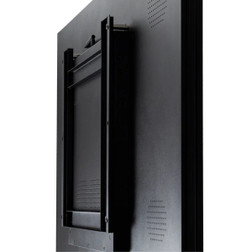
| Mount compatibility | VESA 600 × 400 mm |
| Power | AC 100–240V, 50/60Hz |
| Manufacturer warranty | 2 years |
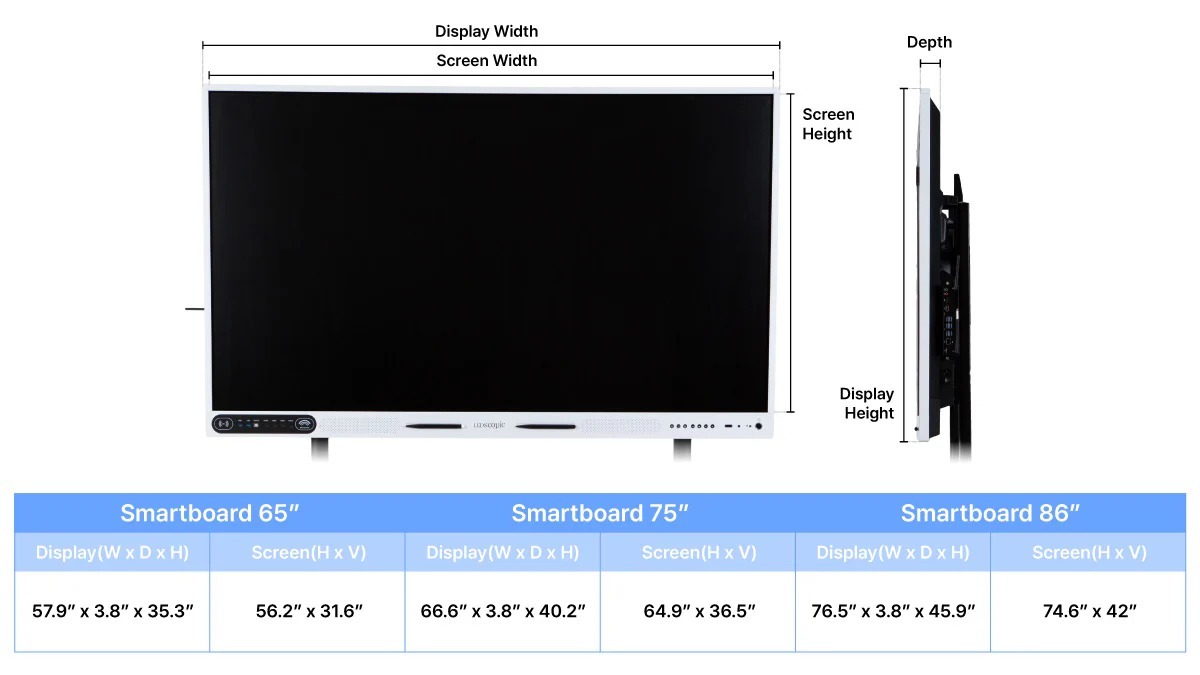
Dimensions:
Weight:
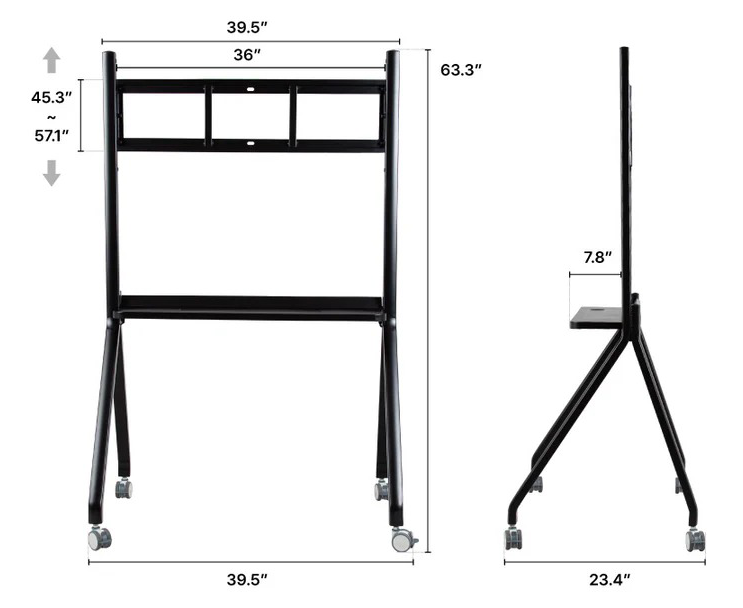
Keep your business rolling by adding a Mobile Stand to your SmartBoard order. Makes sharing the device easy and safe.